Wi-Fi, SIM Cards and Internet at Haneda and Narita Airports
by Tokyo Airports Editorial TeamUpdated
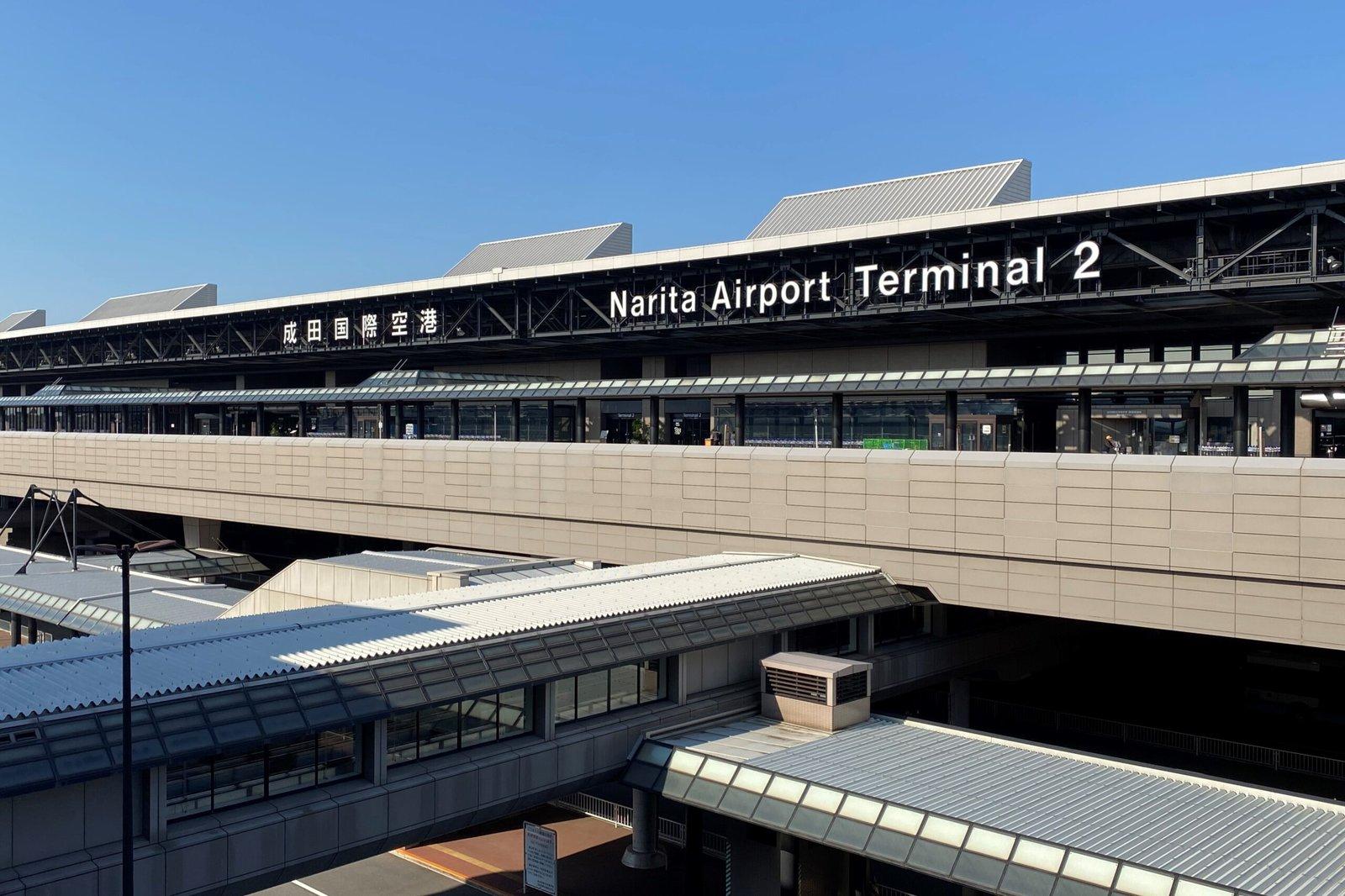
Short answer: free airport Wi-Fi is available at Haneda and Narita, and both airports list options for travelers who need mobile connectivity, including SIM or eSIM-related services, pocket Wi-Fi rental or phone rental. Availability, shop hours, coverage and device compatibility vary. Check the airport's official service directory and your phone's requirements before relying on an airport purchase.
For the quickest arrival, arrange an eSIM or roaming plan before flying if your device supports it. If you prefer an airport counter or physical SIM, compare the provider's data allowance, validity, ID requirements, APN setup and opening hours. This guide is independent; airport and provider terms take precedence.
Is free Wi-Fi available at Haneda and Narita?
Both airports provide passenger Wi-Fi services. At Haneda, look for the airport's posted network and connection instructions; Narita publishes its Wi-Fi information in the services directory. Network names, registration steps, coverage and performance may change, and speeds can vary with crowding, terminal layout or device settings. Use the airport's official instructions rather than joining a similarly named network advertised by an unknown party.
Airport Wi-Fi is useful for messaging, maps and checking travel details, but do not assume it will be continuous through every transfer, train journey or underground section. For account security, avoid entering sensitive information on networks you cannot verify, keep software updated and use your own mobile connection for transactions when appropriate.
Can I buy a Japanese SIM card at the airport?
SIM sales and related mobile services are listed at both airports, but counters and vending options vary by terminal and may have limited hours. Check the current location and opening time in the official airport directory. Before purchasing, confirm that your phone is unlocked and supports the SIM's network bands. A physical SIM may replace your home SIM, so make sure you can still receive important calls or verification messages if needed.
Ask the provider about data cap, speed limits, validity period, hotspot tethering, voice/SMS capability, activation steps, top-ups and refund policy. Many visitor data SIMs are data-only and may not provide a Japanese phone number. Carry a pin tool if needed, and store your original SIM safely.
What about eSIMs and Wi-Fi routers?
An eSIM can be convenient because compatible phones can install a plan without swapping a physical card. Confirm your device model, carrier lock status, eSIM support and whether the plan begins at purchase, installation or first network connection. Some providers allow installation before departure and activation on arrival; read the provider's directions and keep the QR code or setup details accessible offline.
Pocket Wi-Fi rental may suit a group sharing a connection or travelers whose devices do not support eSIM. Compare pickup and return points, battery life, data limits, deposit, late-return fees and whether the rental counter is open at your arrival time. A router is another item to charge and carry, so compare it with local SIM and roaming options.
Are there charging stations?
Charging points and power outlets may be available around terminal seating, but locations and availability vary. Check the airport terminal map or ask an information counter. Bring a compatible charging cable and adapter; Japan uses Type A outlets and 100-volt electricity. Do not leave devices unattended while charging, and keep batteries within your airline's carry-on rules.
| Option | Best for | Check before choosing |
|---|---|---|
| Airport Wi-Fi | Short tasks and a quick connection | Network name, sign-in, coverage and acceptable-use rules |
| eSIM | Compatible unlocked phones and advance setup | Device support, coverage, activation timing, data and tethering |
| Physical SIM | Unlocked phones with a SIM slot | Compatibility, data-only status, shop hours and SIM replacement |
| Pocket Wi-Fi | Multiple devices or groups | Pickup/return points, battery, data cap, deposit and late fees |
| Home roaming | Keeping your number active and avoiding setup at arrival | Carrier rates, roaming caps and international coverage |
How to get connected safely after landing
- Before departure, check whether your phone is unlocked and supports eSIM or the intended SIM.
- Save your hotel address, airport map and essential contacts for offline use.
- At the airport, verify the Wi-Fi network or visit a service counter listed by the airport.
- Read the provider's data, validity, cancellation and collection terms before paying.
- Use a strong device passcode, keep your operating system updated and disable sharing features you do not need.
- Keep access to maps and transport information if your data plan runs out or a network is unavailable.
Which connection option should I choose?
For a short stop before heading to a hotel, airport Wi-Fi may be enough to message family and find a route. If you need maps and translation throughout the trip, compare an eSIM, physical SIM or roaming plan that works beyond the terminal. A group with several devices may prefer a pocket Wi-Fi router, while a traveler who must receive calls on a home number may want to keep that line active through dual-SIM settings or a roaming add-on. Device capabilities differ, so check your exact model rather than relying on the brand name alone.
Calculate the data you expect to use: navigation, video calls, streaming and hotspot sharing consume different amounts. Check whether “unlimited” plans have fair-use speed reductions, whether tethering is allowed, and whether the plan covers only Japan or other countries on your itinerary. Confirm when validity starts; installing a plan before takeoff may not be the same as activating it. Save support instructions and the provider's contact details in case activation fails.
If you arrive late or have a connection
Do not assume every rental or retail counter operates whenever flights arrive. Check counter hours for your terminal and arrival date, including public holidays, and reserve equipment if the provider offers reservations. If you land outside those hours, prepare a backup such as a previously installed eSIM, an international roaming plan or offline maps. For a connection, check whether the service point is in the public area or behind security and whether you have time and permission to reach it.
Protect your devices and account access
Before leaving home, download offline maps, save your hotel and airline details, and ensure you can access email or two-factor authentication if your home SIM is removed. Use a screen lock and device-finding feature, avoid leaving a phone unattended at a charging point, and do not share passwords with a rental provider. If you use public Wi-Fi, verify the network through official airport signage and follow your organization's security advice. Never scan a QR code from an unknown source simply because it claims to offer free airport internet.
Keep a backup route to essential information
Connectivity can fail because of a depleted battery, incompatible device, registration problem or temporary network outage. Save key details offline before departure: hotel name and address in Japanese or a map pin, airline booking references, airport maps, transport options and emergency contacts. Keep a charging cable and power bank in carry-on baggage and follow the airline's battery rules. If an eSIM installation depends on a QR code, retain it on a second device or printed copy, and do not delete an active profile until the provider confirms it is safe to do so.
Check the plan before you pay
Read the plan description carefully, including whether calls are included, what happens when the data allowance is exhausted and whether the service supports hotspot use. Check whether the seller is the network operator or a reseller and who provides support if activation fails. Keep a copy of the receipt and terms until the plan expires. If you need internet for work, confirm that the plan permits the use you require; airport Wi-Fi and consumer travel plans may not meet corporate security or service-level needs.
Frequently asked questions
Is airport Wi-Fi free?
Both airports publish passenger Wi-Fi service. Check the official connection instructions and any current registration requirements for your terminal.
Can I use Wi-Fi while travelling between terminals?
Coverage can vary on shuttle vehicles and in connecting spaces. Download essential information or arrange mobile data rather than depending on uninterrupted Wi-Fi.
Will my phone work with a Japanese SIM?
It must generally be unlocked and compatible with the provider's network. Check the precise model and provider requirements before purchasing.
Can an eSIM give me a Japanese phone number?
Many travel eSIM plans are data-only. Confirm whether calls or SMS are included; do not infer number support from the word “eSIM.”
Can I rent a pocket Wi-Fi after arrival?
Airport providers list rental services, but counter locations, operating hours and stock vary. Confirm your arrival terminal and reserve in advance if availability matters.
Is free airport Wi-Fi safe for banking?
Use a verified official network and follow your bank's security guidance. For sensitive tasks, a trusted mobile connection may be preferable.
Where can I charge my phone?
Check terminal maps for power points and charging facilities, and ask airport staff for the nearest location. Availability can change by gate and seating area.
Official sources
- Haneda Airport services and facilities
- Narita Airport service directory
- Tokyo airport passenger facilities
Published 26 November 2026 · Last verified 26 November 2026. Networks, retail services and provider terms can change; verify the current airport directory before travel.